How to Report Fake Google Reviews on a Competitor
The flag button is a blackhole. Here's the exact evidence and escalation path that actually gets fake competitor reviews and listings removed from Google.
Apr 17, 2026

Arif Hussain Shaik
11 min read
TL;DR
The in-product "flag as inappropriate" button has the lowest success rate of any Google review-removal channel — across 500+ cases I track, written evidence through the Review Removal Tool or Business Redressal Form gets far better results. Build the case around Google's review policy (support.google.com/contributionpolicy/answer/7400114): no transaction record, reviewer employed by a competitor, conflict-of-interest patterns, off-topic content, or prohibited content. Attach profile-URL screenshots, dates, and patterns across suspicious accounts. Joy Hawkins at Sterling Sky has published detailed escalation paths — generic "this review is fake" flags rarely work; specific, policy-cited evidence does.
Ask an AI about this post
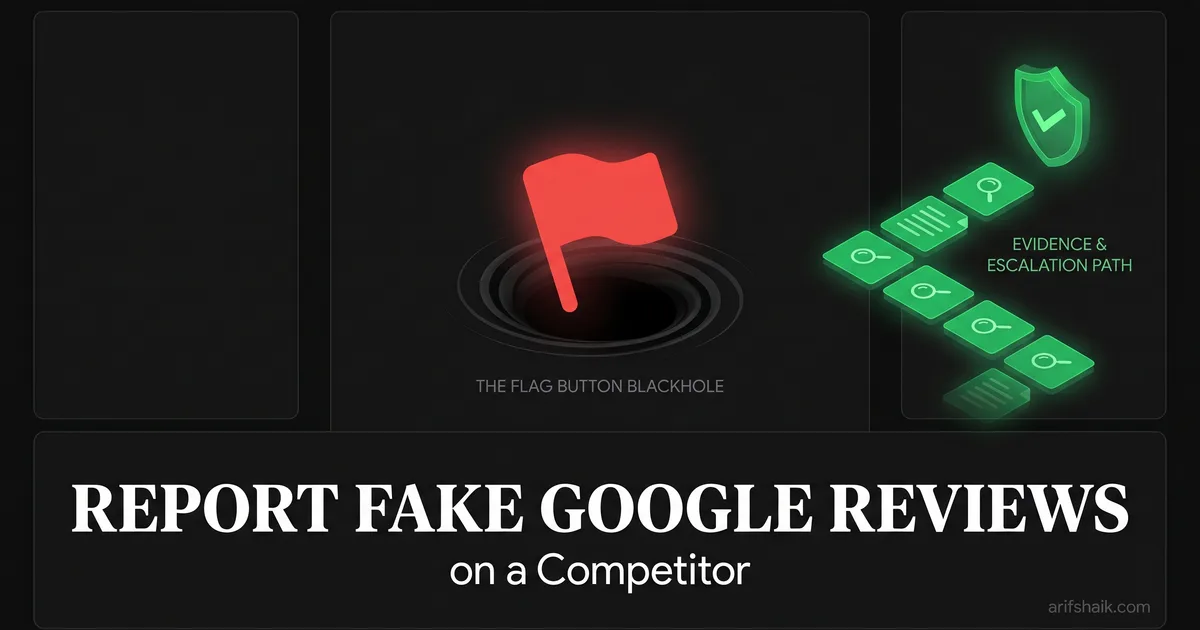
If you have ever clicked the "flag as inappropriate" button on a fake Google review and waited for something to happen, I already know how that ended. Nothing happened. The flag button is a blackhole. Google processes millions of flags daily and the vast majority result in no action.
Fake reviews are everywhere. Fake competitor listings are everywhere. And Google's default reporting tools are designed to handle volume, not accuracy. In my consultant experience, unsupported flag reports almost always fail. The cases that actually get action use evidence, the Business Redressal Form (Google Help ID 4569145), and — when needed — escalation through Google's official Product Experts on the Business Profile Community Forum.
I am going to walk you through the exact process I use when clients bring me fake competitor problems. This is not theory. This is the same evidence collection and escalation path I have used on dozens of cases, including one where we took down 12 fake listings that were routing calls to the same call center — a review bombing-style coordinated attack.
Why the Standard Flag Button Does Not Work
Google's "flag as inappropriate" option in Maps does one thing: it adds your report to a queue that is mostly processed by automated systems. Those systems look for obvious violations — profanity, spam links, clearly irrelevant content. They do not investigate whether a reviewer actually visited the business. They do not compare reviewer patterns. They do not check if a listing is real.
The result: reviews that are clearly fake to anyone who reads them stay up for months or permanently. Listings that are obviously fraudulent continue to collect calls and steal customers — and can even drag your own listing's visibility down in Maps.
Here is what I have learned after years of fighting this: Google's removal process rewards bad actors more than it protects legitimate businesses. Fake reviews stay up while real ones get pulled for minor technicalities. A competitor can buy 50 five-star reviews and nothing happens. A legitimate customer leaves a review mentioning they got a discount and Google removes it for "incentivized content."
The system is broken. But it can be worked within. You just need to use the right tools and the right process.
Action step: Stop using the flag button as your primary reporting method. It is step one at best, and usually step zero — do it but do not rely on it.
Step 1: Identify and Document the Fake Reviews
Before you report anything, you need evidence. Not opinions. Evidence. Google does not care that you "feel" the reviews are fake. They need patterns and proof.
Red flags that indicate fake reviews
- Reviewer has no profile photo and only 1-2 reviews total
- Multiple reviews posted on the same day or within hours of each other
- Reviews contain no specific details about the service or experience
- Reviewer names follow a pattern (all first-name-last-initial format, or clearly generated names)
- Reviews mention services the business does not actually offer
- Same reviewer left reviews for multiple businesses in the same industry in the same city
- Burst of reviews right after the business appeared (new listing with 30 reviews in week one)
How to document
Screenshot every suspicious review. Include the reviewer's name, date, the review text, and the reviewer's profile (click their name to see all their reviews). If a reviewer left 5-star reviews for ten businesses in the same industry in the same week, that is a pattern Google can act on.
Create a spreadsheet. One row per suspicious review. Columns: reviewer name, date posted, review text, number of total reviews by that person, other businesses reviewed, any patterns noted. This spreadsheet becomes your evidence package.
Action step: Go through the competitor's reviews right now. Click on every 5-star reviewer's profile. Note how many other reviews they have left and whether there is a pattern. Document everything in a spreadsheet.
Step 2: Identify Fake Listings
Fake reviews are one problem. Fake listings are a bigger one. A fake listing is a Google Business Profile that represents a business that does not exist at the address listed, or that routes calls to a different business entirely.
Fake listings are rampant in high-value local industries: locksmiths, plumbers, lawyers, towing companies, garage door repair. Scam operators create dozens of listings across a metro area, all routing to the same call center, stealing customers from legitimate businesses.
How to verify a listing is fake
- Street View: Check the listed address on Google Street View. Is there actually a business there? If the address shows a vacant lot, a residential home, or a completely unrelated business, that is evidence.
- Phone test: Call the listed phone number. Does the person who answers identify as that specific business? Or do they answer generically? Call two or three suspected fake listings — if the same person answers, you have strong evidence of a scam network.
- Website check: Look at the website linked in the listing. Is it a generic template? Does it share content, phone numbers, or design with other suspected fakes? Check domain registration for patterns.
- License verification: Search your state's license database for the business name. Legitimate contractors, locksmiths, and other licensed professionals should appear. Fakes will not.
Action step: Search your core keyword on Google Maps. Look at every listing on the first page. Check Street View for each address. Call each number. Note which ones seem legitimate and which ones seem fake. This takes an hour but it maps out the problem completely.
Case Study: Denver Locksmith — 12 Fake Listings, All Removed
A Denver locksmith client came to me frustrated. His map pack rankings had been dropping for months, and when we looked at the competitive landscape, we found 12 listings for "locksmiths" in his service area that all routed to the same call center.
Here is how we proved it. I called each of the 12 phone numbers. Nine of them were answered by the same person — different business names on the listings, same voice, same hold music, same dispatch process. The other three went to voicemail with generic greetings.
We checked every address on Google Street View. Four were residential homes. Three were commercial addresses with no locksmith signage visible. Two were vacant lots. Three were real commercial addresses but with different businesses at those locations.
I compiled everything into an evidence package: screenshots of each listing, Street View captures of each address, call logs with timestamps, notes on who answered each call, and screenshots of the similarities between their websites (same template, same stock photos, overlapping phone numbers in the source code).
We submitted the Business Redressal Form with all evidence attached. Within 45 days, 8 of the 12 listings were removed. The remaining 4 needed community forum escalation — I posted a detailed case on the Google Business Profile Community Forum where Product Experts reviewed the evidence and escalated to Google directly. All 12 were gone within 90 days.
My client went from position 6-7 in the local finder to 3-pack position 2 within weeks of the fake listings being removed — a jump you can also engineer with the map-ranking fundamentals in our optimization guide. He did not change a single thing about his own profile. Removing the fraudulent competition was all it took.
Action step: If you suspect fake listings in your market, do the phone test first. Call every competitor listing and note who answers. If the same person or company answers for multiple listings, you have a case.
Step 3: Submit the Google Business Redressal Form
The Business Redressal Form is the tool Google created for reporting fake or misleading business listings. It is different from the flag button. It goes to a different team. It requires evidence. And it actually gets results.
Search "Google Business Redressal Form" to find the current URL (Google changes it periodically). The form asks for:
- Your business information (you must be a verified GBP owner)
- The listing(s) you are reporting
- The type of violation (fake listing, fake reviews, misleading information)
- Evidence supporting your claim
How to write the evidence section
Do not write a paragraph about how unfair it is. Do not complain about lost revenue. Write a factual evidence summary. Here is the format I use:
"Listing [name] at [address] is fraudulent. Evidence: (1) Google Street View shows [description of what is actually at the address]. (2) Phone number [number] is answered by [what happens when you call]. (3) No business license exists under this name in [state/county] records. (4) Website [URL] shares [specific similarities] with [other fake listing URLs]."
Attach screenshots for every claim. The more concrete and verifiable your evidence, the faster Google acts.
Action step: Compile your evidence spreadsheet and screenshots into a single document or folder. Submit the Business Redressal Form with specific, factual evidence for each listing you are reporting. Do not batch more than 5 listings per form submission.
Step 4: Escalate Through the Community Forum
If the Redressal Form does not result in action within 30 days, your next step is the Google Business Profile Community Forum. This is not a support channel in the traditional sense. It is a forum monitored by Product Experts — experienced community members who have direct escalation access to Google's GBP team.
Post a clear, evidence-rich case. Do not rant. Do not use emotional language. Present the facts. Include links to the fake listings, your evidence screenshots, and reference your Redressal Form submission.
Product Experts can escalate your case directly to Google. This is the same path I used for the final 4 listings in the Denver locksmith case. The forum post with attached evidence got a Product Expert's attention within 48 hours. They escalated it. The listings were removed within three weeks.
Tips for an effective forum post
- Use a clear, descriptive title: "12 Fake Locksmith Listings in Denver Metro — Evidence Attached"
- Lead with the evidence summary, not the complaint
- Include direct links to each listing you are reporting
- Attach or link to your evidence screenshots
- Mention that you already submitted a Redressal Form and the date you submitted it
- Be respectful and professional — Product Experts volunteer their time
Action step: Bookmark the Google Business Profile Community Forum. If your Redressal Form has not produced results in 30 days, draft a clean, evidence-based forum post and submit it.
Reporting Fake Reviews (Not Fake Listings)
The process for reporting fake reviews specifically — as opposed to fake listings — is similar but uses a different tool. Google has a reviews management tool within the GBP dashboard that allows you to report specific reviews for policy violations.
Go to your GBP dashboard. Navigate to Reviews. Find the review you want to report. Click the three-dot menu and select "Report review." Choose the most accurate violation type.
But here is the key: do this AND submit a Redressal Form with your evidence. The in-dashboard report goes through the automated system. The Redressal Form goes to a team that actually reviews evidence. Use both channels simultaneously.
For reporting fake reviews on a competitor's listing (not your own), you need to use the flag button in Maps for the initial report, then escalate through the Redressal Form and community forum. You can report competitor listing violations even though you do not own that listing — the Redressal Form supports this.
Action step: For fake reviews on your own listing, use both the in-dashboard report tool and the Redressal Form simultaneously. For fake reviews on competitor listings, flag in Maps then submit a Redressal Form with evidence.
What to Do While You Wait
Removals take time. The Redressal Form can take 30-45 days. Forum escalation adds another 2-4 weeks. During this time, do not just wait. Strengthen your own position.
- Optimize your own profile. While the fakes are still up, make sure your profile is as strong as possible. Better categories, more photos, updated services, and fresh posts.
- Build your review base. Every real review you earn — including through our playbook for earning more Google reviews — makes the fake competitors' purchased reviews less impactful relatively.
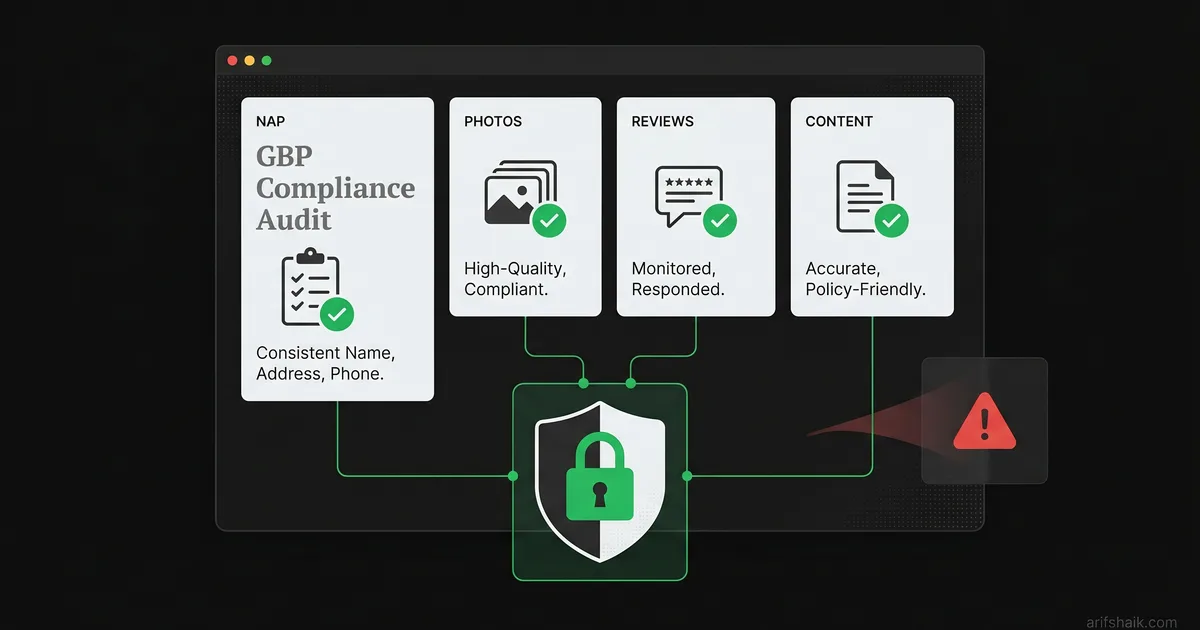
- Document the ongoing impact. Track your call volume, website visits from GBP, and ranking positions. This data is useful if you need to escalate further or pursue legal action. Pair this with a monthly compliance audit so your own profile stays clean while the fake competitors are under review.
- Consider legal options. In some states, fake listings and review manipulation constitute unfair business practices. A cease-and-desist letter from an attorney, combined with your Google evidence, can be effective.
Action step: Set a calendar reminder for 30 days after your Redressal Form submission. If no action has been taken, escalate to the community forum. If the forum does not produce results in 3 weeks, consider consulting a business attorney about unfair competition claims.
The Success Rate Reality
I want to set expectations honestly. Flag-button reports with no attached evidence rarely succeed — in my caseload they are the default failure mode. Redressal Form submissions with clear, documented evidence succeed substantially more often, and adding Product Expert involvement on the Google Business Profile Community Forum pushes the odds higher still. I avoid quoting specific percentages because Google does not publish them and outcomes vary by industry and evidence quality.
But "success" sometimes means partial removal. Google might remove 8 of 12 listings on the first pass. They might remove fake reviews but not the fake listing itself. Persistence matters. Follow up. Resubmit evidence. Escalate again — and remember to respond professionally to any residual negative reviews while the process plays out.
The businesses I have seen win these fights are the ones that treat it like a project with milestones, not a one-time complaint. Document, submit, wait, follow up, escalate, repeat. Once the cleanup is done, lock your own listing down using our suspension-prevention checklist so you are never the next target.
Frequently Asked Questions
Can I report fake reviews on a competitor's listing?
How long does it take for Google to remove fake reviews?
What is the Google Business Redressal Form?
Will Google tell me the outcome of my report?
Related Articles
Get notified when I publish new recovery guides
Struggling with a suspended GBP profile?
I’ve recovered 500+ profiles across 60+ countries. Let me look at yours for free — most assessments take under 24 hours.

Google Business Profile Recovery Specialist
Independent Google Business Profile recovery consultant specializing in suspensions, soft suspensions, and reinstatement appeals. Since 2019, recovered 500+ GBP profiles across 60+ countries — from solo tradespeople to multi-location law firms and healthcare groups. Former Upwork Top Rated freelancer (200+ completed contracts, 5-star average) now consulting direct. Research informed by Sterling Sky (Joy Hawkins), Local Search Forum, and daily work inside Google's Business Profile Community. Every case study and recovery playbook on this site is drawn from real client work — no theory, no AI-generated filler.