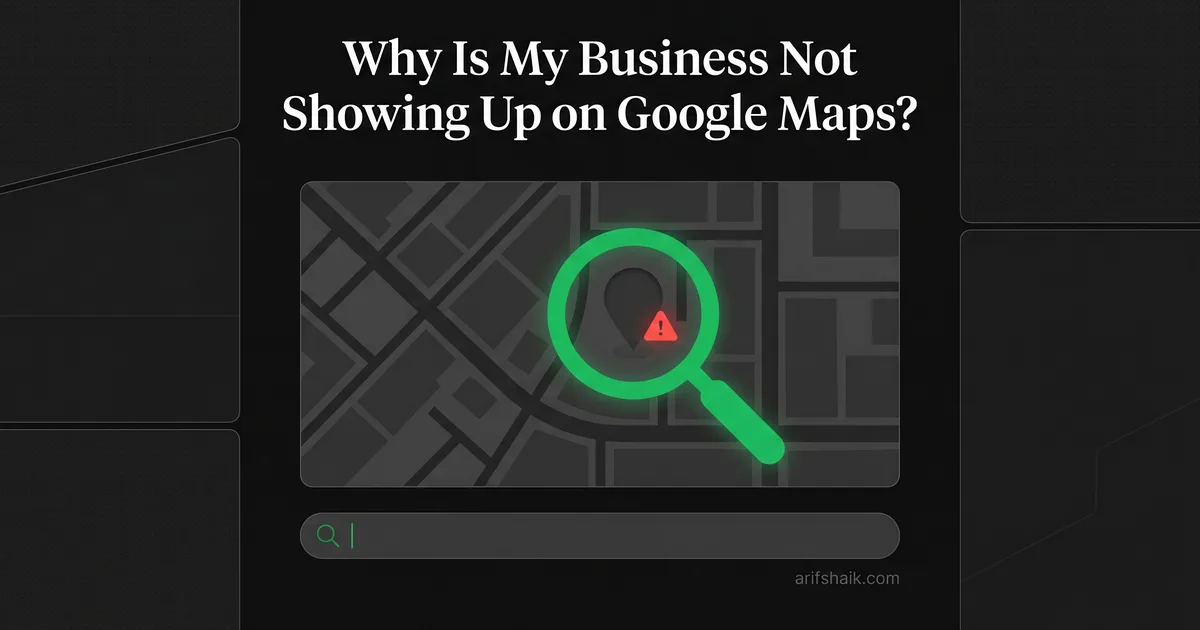
Why Is My Business Not Showing Up on Google Maps?
Business disappeared from Google Maps? I've diagnosed 500+ invisible profiles. Here are the exact reasons Google hides your listing and how to fix each one.
Apr 17, 2026

Arif Hussain Shaik
11 min read
TL;DR
When a business disappears from Google Maps, it's almost always one of five root causes I diagnose across 500+ cases: silent soft suspension, duplicate listing suppression, an unverified address, a Google-detected policy violation on name or category (support.google.com/business/answer/3038177), or a NAP mismatch between the profile, website, and directory citations. The fix sequence is diagnose first, patch second — do not create a new profile, which triggers duplicate detection. Whitespark's 2026 Local Search Ranking Factors and BrightLocal's 2024 LCRS both rank proximity and profile completeness among the top signals. Fix the root cause and visibility usually returns within 7–14 days.
Ask an AI about this post
You search for your own business on Google Maps and it is not there. Not buried on page two. Not in a weird position. Gone. This is the single most common panic call I get from business owners, and I have diagnosed over 500 of these cases.
The good news: your business almost certainly still exists in Google's system. The bad news: something specific is preventing it from showing. And "something specific" is doing a lot of heavy lifting in that sentence, because there are at least nine distinct reasons Google hides a business from Maps.
I am going to walk you through every one of them. Not the vague "check your listing" advice you find on marketing blogs. The actual technical reasons, pulled from years of fixing this exact problem for real businesses.
The Difference Between "Not Showing" and "Suspended"
First, a critical distinction. Your business can be invisible on Google Maps for two fundamentally different reasons: it is suspended, or it is live but suppressed.
If your Google Business Profile dashboard shows a "Suspended" banner, that is a different problem with a different fix. I have a full guide on GBP suspension types that covers hard and soft suspensions in detail.
What I am covering here is everything else. The cases where your profile technically exists, maybe even shows as "Published" in your dashboard, but customers cannot find you on Maps.
Log into your Google Business Profile dashboard right now. Check the status. If it says "Suspended," go read my suspension guides first. If it says anything else — "Published," "Pending verification," "Requires action" — keep reading. Your fix is in this article.
Reason 1: Your Profile Is Not Verified
This sounds obvious. It is not. I see business owners every week who claimed their profile months ago and assumed it was live. They never completed verification.
Google will not show an unverified profile in search results or Maps. Period. Your listing might appear in your own dashboard, but the public cannot see it.
Verification methods have changed significantly. In 2024, Google pushed hard toward video verification and largely phased out postcards for new businesses. By 2025, most businesses face one of three paths: instant verification (if you already have Search Console set up), video verification, or phone/email verification for eligible categories.
The fix: Go to your dashboard. If you see "Verify now" or "Pending verification," complete that process immediately. Google's official verification help page is support.google.com/business/answer/7107242. For video verification specifically, I wrote a detailed video verification guide that covers what Google's review team actually looks for.
Reason 2: You Are a Duplicate Listing
This is where FC2 LLC in Chesterfield, Missouri comes in. A cabinet maker who contacted me completely stuck. His profile was invisible. Video verification exhausted. Google was not responding.
The real issue? An orphaned profile. Someone — a previous owner, a marketing agency, an employee — had created a GBP listing for the same business at the same address years ago. That old listing was sitting in Google's system, and Google's duplicate detection algorithm was flagging FC2's new profile as a copy.
Google does not tell you this is happening. There is no notification that says "we think you are a duplicate." Your profile just sits in limbo. Verification requests get denied or ignored. Your listing never appears publicly.
For FC2, we fixed it through domain email verification — proving ownership of the business via a matching domain email address, which established legitimacy over the orphaned profile. The profile went live within 3 weeks.
How to check: Search for your business name and address on Google Maps. If you see another listing at the same address with a similar name, that is your problem. You need to either claim and merge the old listing or request Google to remove the duplicate through their support channels. Screenshot everything before you start. Multi-location brands should read my multi-location suspension recovery guide for the cleanup sequence.
Reason 3: Your Address Got Flagged
Google maintains a database of flagged addresses. Virtual office addresses from Regus, WeWork, UPS Store, and similar providers are in that database. When you use one of those addresses, your profile gets suppressed or suspended on sight.
But it is not just virtual offices. Residential addresses for storefront-type businesses raise flags. Shared commercial spaces where multiple businesses claim the same suite number cause problems. And here is the one that catches people off guard: Google Street View updates.
If Street View imagery shows a residential house at your business address, and your business category implies a storefront, Google's algorithm suppresses your listing. This happens automatically. No human reviews it. One day your profile is fine, the next day it is invisible because Google's car drove down your street and took a new photo.
For service-area businesses operating from home, the fix is simple but absolute: hide your address. Set your profile to "Service area" and remove the physical address from public display. I cover the full process for home-based businesses in my service area business suspension guide. If you are using a virtual office, read my virtual office GBP guide — you need a different strategy entirely.
Reason 4: Account-Level Contamination
This is the reason nobody talks about because it is hard to diagnose and harder to explain.
Your Google account — the Gmail or Workspace account that owns your GBP — has a trust score. Google does not publish this, but it exists. If you have had a previous suspension, a policy violation, a rejected appeal, or even if you manage another profile that got flagged, your account's trust score drops.
Low trust score means Google treats everything associated with that account with suspicion. New profiles you create get extra scrutiny. Existing profiles may get suppressed during routine reviews. Verification requests get delayed or denied.
I see this pattern constantly. A business owner had a previous business that got suspended for a legitimate reason. They fixed that, moved on, started a new business. Created a new GBP under the same Google account. And the new profile never shows up on Maps. I cover this exact scenario in new business GBP suspended on day one.
The fix depends on severity. Mild contamination: transfer profile ownership to a clean Google Workspace account associated with your business domain. Severe contamination: you may need a fresh Google account entirely, new profile creation, and re-verification. In my 500+ case sample from 2025-2026, re-verification for account-contamination cases has frequently stretched to several weeks — far longer than the "up to 5 business days" Google publishes at support.google.com/business/answer/13597551. Mike Blumenthal (Near Media), quoted in Search Engine Journal in March 2025, reported the same widening of appeal and verification windows.
Reason 5: Guideline Violations You Do Not Know About
Google's 2025 update retroactively flagged profiles that had been operating fine for years. I want to be direct about this: most "disappeared" profiles were not accidents. Google decided to enforce policies that it had previously ignored.
Virtual office setups with 2 years of clean history got wiped in one sweep. Businesses with keyword-stuffed names that ranked well for years suddenly vanished. Service-area businesses that had been displaying their address without issues got suppressed overnight.
Industry observers — including BrightLocal's Local Consumer Review Survey team and Sterling Sky's Joy Hawkins — have publicly documented a sharp rise in GBP suspension reports across 2023-2024. That is not businesses suddenly getting worse at following rules. That is Google suddenly deciding to enforce rules it had been lenient about.
Check your profile against these common violations: keyword stuffing in the business name, incorrect business category, mismatched address between GBP and website, phone number that does not answer or rings to a call center, and website that does not mention the business name. Fix every violation you find before doing anything else. I have a full prevention checklist that covers all of them.
Reason 6: Category or Industry Restrictions
Certain business categories face extra scrutiny from Google. Locksmiths, plumbers, lawyers, addiction treatment centers, garage door services, and financial services all trigger enhanced verification requirements. Picking the right primary category matters — see my categories guide before you change anything.
If your business falls into one of these categories, Google may require additional documentation before showing your profile. In some cases, Google works with third-party verification services to confirm your business is legitimate.
I have seen locksmith businesses sit in verification limbo for 60+ days because their category automatically triggered enhanced review. The business was completely legitimate with proper licensing. Google's system just treats certain categories as high-fraud-risk and applies extra checks.
If you are in a high-scrutiny category: prepare your business license, professional certifications, insurance documentation, and website with matching NAP (Name, Address, Phone) information before starting verification. Having everything ready upfront shortens the timeline dramatically.
Reason 7: Your Profile Was Edited and Triggered a Re-Review
This catches experienced business owners. You update your hours, change your phone number, add a new service area, or edit your business description. Google's system flags the edit and pulls your profile into a review queue.
During that review, your profile may become invisible on Maps. It is still "live" in your dashboard. But the public cannot see it while Google's system processes the edit.
Most edit-triggered reviews resolve within 3 to 5 business days. But if the edit touched a sensitive field — business name, address, or category — the review can take weeks. And if the review uncovers an existing violation that Google had not previously enforced, your profile might not come back at all without intervention.
My advice: make one edit at a time. Wait for it to process before making another. Never edit your business name, address, and category on the same day. That combination of changes is practically guaranteed to trigger an extended review. Read my detailed guide on GBP suspension after edits for the full rundown.
The Mistake That Makes Everything Worse
Here is what I see business owners do when their listing disappears: they submit the same appeal 4 or 5 times. Same documentation, same explanation, same request. They figure if they keep asking, someone at Google will eventually read it and help.
This is the wrong move. Repeated identical appeals do not escalate your case. They actually signal to Google's system that you are unable to resolve the underlying issue. Each rejected appeal adds a negative data point to your case history.
The real issue behind most invisible profiles is usually one of three things: an address verification failure, a virtual office flag, or account-level contamination. Resubmitting the same appeal does not fix any of these.
Instead: diagnose the actual problem first. Run through every reason in this article. Identify which one applies to you. Fix that specific issue. Then submit one clean, well-documented appeal that addresses the root cause directly. One targeted appeal beats five generic ones every time — start with a complete profile audit so you are not guessing which flag is firing.
Step-by-Step Diagnostic Process
Here is the exact sequence I follow when a client tells me their business is not showing on Google Maps. Work through this in order.
Step 1: Log into Google Business Profile. Check the status. Suspended? That is a different playbook. Published or Pending? Continue here.
Step 2: Verify your verification status. Look for any pending verification requests or failed verification attempts.
Step 3: Search Google Maps for your exact business name and address. Look for duplicate listings. Check if another profile exists at the same address.
Step 4: Review your address. Is it a virtual office? A residential address showing publicly? Does it match your website exactly?
Step 5: Audit your Google account history. Have you ever had another profile suspended from this account? Have you managed profiles that were flagged?
Step 6: Check your business name for keyword stuffing. Compare it character-by-character against your business license.
Step 7: Review your recent edits. Did you change anything in the past 2 weeks? If so, wait 5 business days before taking any further action.
Step 8: Run a compliance audit. Use my monthly compliance audit checklist to verify every aspect of your profile meets current guidelines.
If you identify the problem at any step, fix it before moving on. Most invisible profiles have a single root cause. Find it, fix it, and your listing comes back.
When to Call for Help
Most visibility issues resolve with the diagnostic process above. But some do not.
If you have been through every step and your profile is still invisible after 30 days, you are likely dealing with account-level contamination or a complex duplicate situation. These require direct escalation through channels that are not available to most business owners.
If you have submitted more than two appeals with no response or only automated rejections, stop submitting. Each additional rejected appeal makes your case harder to resolve. Get expert eyes on it.
If your profile keeps disappearing after being restored — showing up for a week, then vanishing again — there is a systemic issue in your account or address that will not resolve on its own. That pattern requires a root cause analysis, not more appeals.
I handle exactly these cases. But regardless of whether you work with me or figure it out yourself, do not let an invisible profile sit for months. Every day your business is missing from Maps is revenue you are not recovering. Across my recent caseload, complex invisibility fixes have frequently taken several weeks rather than the "up to 5 business days" Google's official appeal window implies. Start your diagnostic process today. Once you are visible again, shift focus to ranking higher on Google Maps and capturing spots in the local map pack.
Frequently Asked Questions
How long does it take for a new Google Business Profile to show on Maps?
Can a competitor remove my business from Google Maps?
My business shows on Google Search but not Google Maps. Why?
Should I create a new Google Business Profile if my current one is not showing?
Related Articles
Get notified when I publish new recovery guides
Struggling with a suspended GBP profile?
I’ve recovered 500+ profiles across 60+ countries. Let me look at yours for free — most assessments take under 24 hours.

Google Business Profile Recovery Specialist
Independent Google Business Profile recovery consultant specializing in suspensions, soft suspensions, and reinstatement appeals. Since 2019, recovered 500+ GBP profiles across 60+ countries — from solo tradespeople to multi-location law firms and healthcare groups. Former Upwork Top Rated freelancer (200+ completed contracts, 5-star average) now consulting direct. Research informed by Sterling Sky (Joy Hawkins), Local Search Forum, and daily work inside Google's Business Profile Community. Every case study and recovery playbook on this site is drawn from real client work — no theory, no AI-generated filler.