How to Prevent GBP Suspension: Complete Checklist
Prevent GBP suspension before it happens. A checklist covering every area Google audits: name, address, categories, content, and reviews.
Apr 10, 2026 · Updated Apr 23, 2026

Arif Hussain Shaik
7 min read

TL;DR
Most GBP suspensions I've handled across 600+ cases trace back to five preventable areas — business name, address, categories, photos/content, and review practices — each covered in Google's own guidelines (support.google.com/business/answer/3038177). A 30-minute quarterly audit catches violations before Google does. Prevention takes minutes; recovery takes weeks — Mike Blumenthal (Near Media) reported 2025 appeal timelines stretched to nearly 5 weeks, up from ~5 business days historically.
Ask an AI about this post
Prevention Is Cheaper Than Recovery
A GBP suspension costs the average local business 3-6 weeks of reduced search visibility, lost leads, and the stress of navigating Google's appeal process. Prevention, on the other hand, takes about 30 minutes per quarter. That math is not close.
After handling 600+ reinstatement cases, I can tell you that most suspended profiles violated rules that were easily avoidable. Keyword-stuffed business names, outdated addresses, virtual office workarounds, and review practices that crossed Google's lines — these are entirely preventable when you know what to look for. This checklist gives you exactly that.
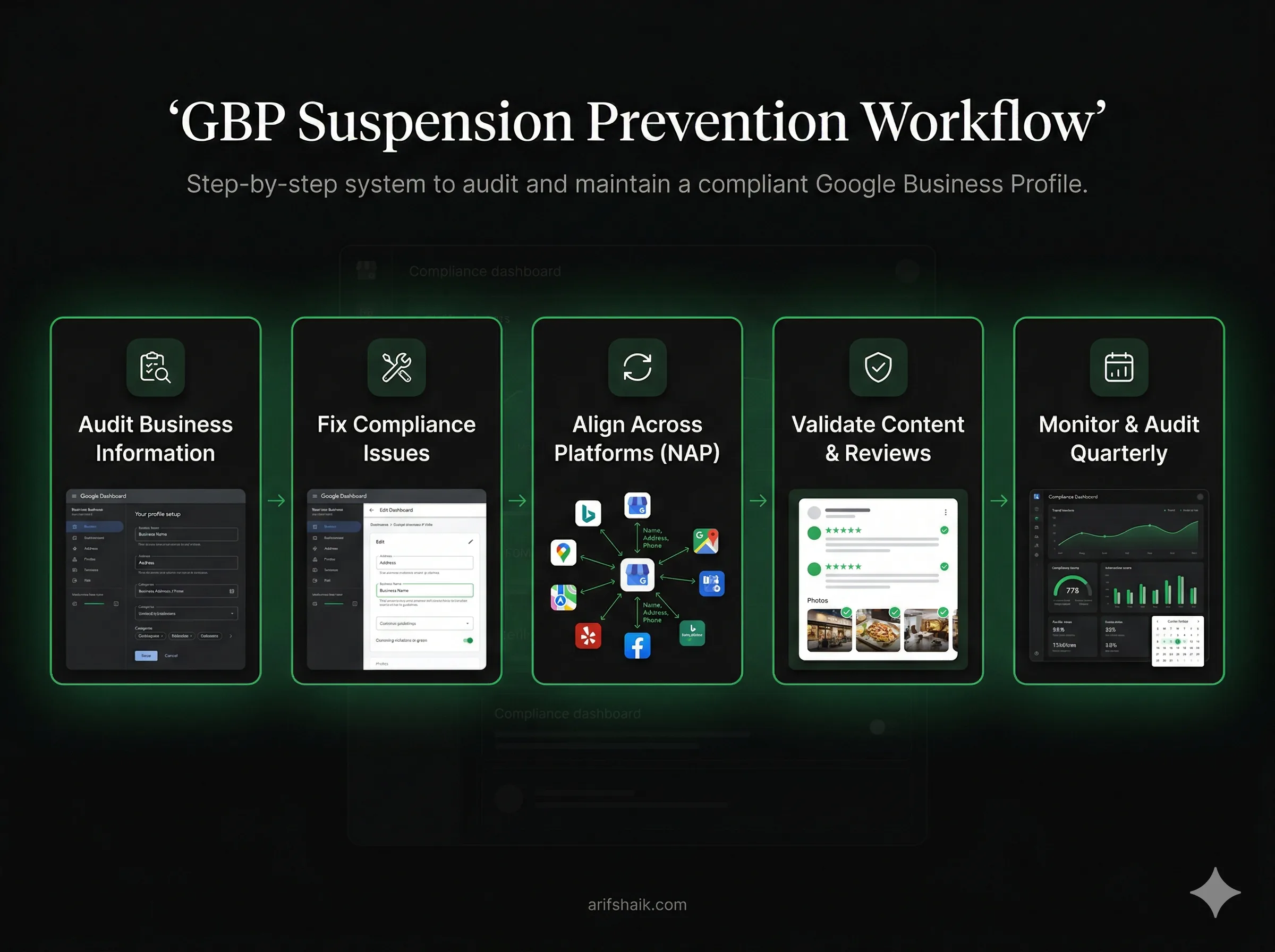
Work through each section below. Any item you can't check off is a potential suspension trigger that needs to be fixed before Google finds it. Finding violations yourself is always better than having them found for you.
Business Name Compliance
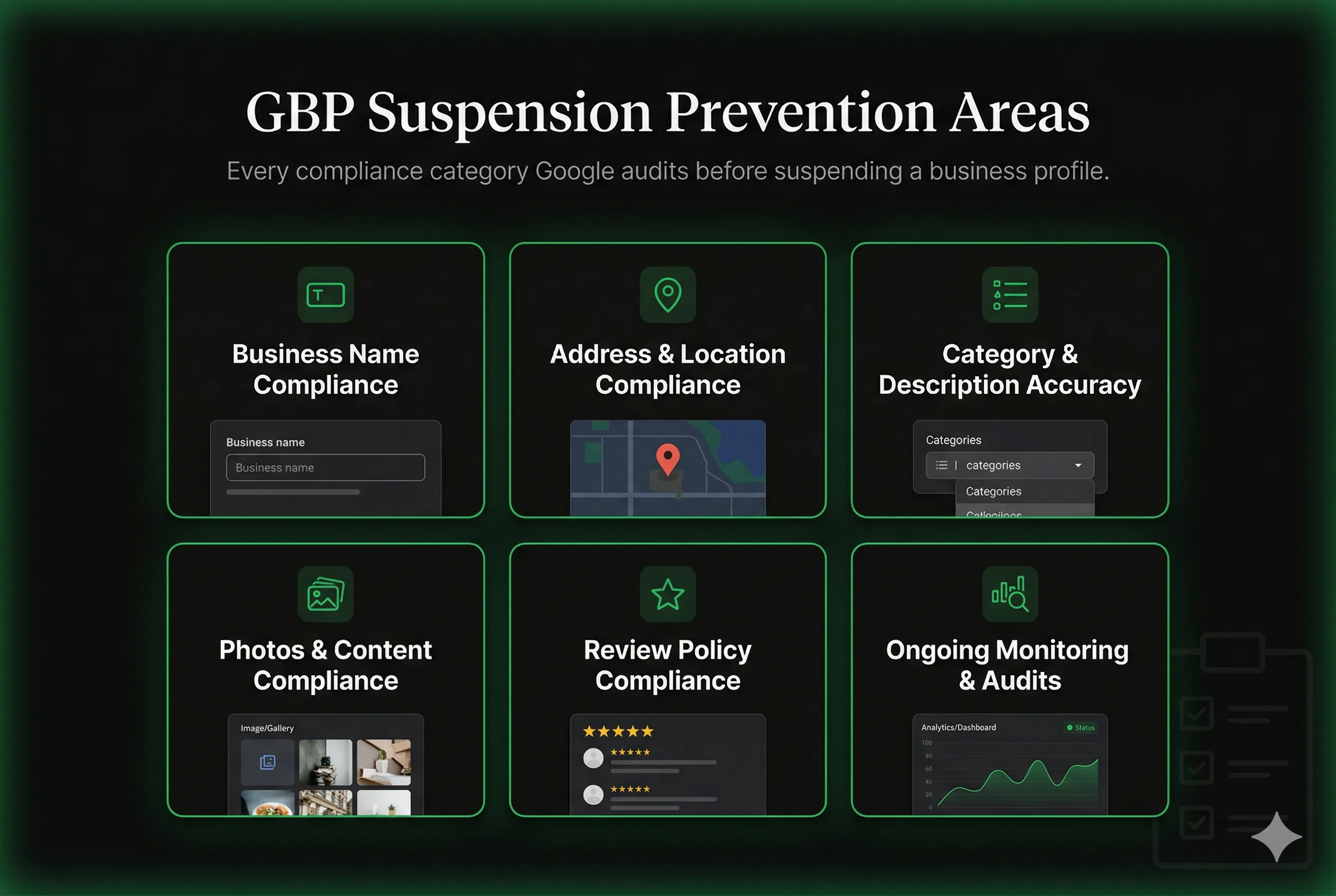
Business name violations are the leading cause of GBP suspensions in my 600+ case sample, and Sterling Sky's public keyword-spam audits document the same pattern. They are also one of the easiest to avoid. Google's official naming guideline (support.google.com/business/answer/3038177) requires your GBP business name to match your real-world business name exactly as it appears on your storefront, business registration, or trade name.
- ✓ Does your GBP name match your registered business name exactly? If your LLC registration says "Garcia Plumbing LLC," your GBP should say "Garcia Plumbing LLC" — not "Garcia Plumbing | Dallas 24/7 Emergency Plumber."
- ✓ Is your name free of city or neighborhood names? Adding "Dallas," "Austin," or "North Side" to your business name is a violation unless it's genuinely part of your registered name.
- ✓ Is your name free of service keywords? "Emergency," "Fast," "Cheap," "Best," "#1," or service type descriptors added to the business name violate Google's guidelines.
- ✓ Is your name free of phone numbers or URLs? Some businesses add "call 555-1234" or a website to their listing name. Both are violations.
- ✓ If you have multiple locations, is each location using the correct format? Chains and franchises should follow the "Business Name [Location]" format only when location is part of the official operating name.
Address and Location Compliance
Address violations are the second most common suspension cause in my caseload. The rules differ depending on whether you're a storefront business or a service area business — make sure you're using the right configuration.
- ✓ Is your listed address a real, staffed physical location? Virtual offices, P.O. boxes, UPS Store addresses, and unstaffed coworking spaces are not permitted. Your address must be a place where the business can be reached and where staff are regularly present.
- ✓ If you travel to customers (plumber, cleaner, contractor), are you configured as a Service Area Business? SABs should hide their home or depot address and define service areas geographically. Displaying a residential address as a storefront is a common suspension trigger.
- ✓ Does your GBP address match your business registration, website, Yelp, and other directory listings exactly? Name, Address, Phone (NAP) consistency across all platforms reduces suspension risk and improves local rankings.
- ✓ Has your business moved recently? Is the GBP updated? If your GBP still shows an old address that is now occupied by a different business, Google's verification systems will flag this.
- ✓ Is your service area realistic? Google no longer accepts radius-based service areas. Define your coverage by named cities, counties, or postal codes, and keep the total footprint within roughly a 2-hour drive of your base. SABs claiming coverage in cities hundreds of miles beyond their actual operational range trigger spam signals.
For more detail on address compliance and common violations, see the GBP suspended for wrong address guide, the virtual office suspension guide, and the SAB suspension recovery playbook.
Category and Description Compliance
- ✓ Is your primary category the most accurate representation of your main business? Your primary category should describe what you primarily are, not what you want to rank for. A dentist should be "Dentist," not "Emergency Dental Service." See the full categories guide for picking wisely.
- ✓ Do your additional categories accurately describe real services you offer? Adding dozens of loosely related categories to capture more search traffic is a deceptive content violation. Stick to categories you actually operate in.
- ✓ Does your business description accurately describe your business? Your description should describe what you do, not serve as a keyword dump. Descriptions filled with city names, service terms, and SEO phrases violate Google's content policies.
- ✓ Do your services listed on GBP match what you actually offer? Listing services you don't provide to capture search traffic is deceptive content. Only list services you genuinely perform.
- ✓ Are your business hours accurate? Incorrect hours — especially marking yourself as "Open 24/7" when you're not — can trigger user reports that lead to manual review and suspension.
Photo and Content Compliance
- ✓ Are your photos genuine photos of your business? Stock photos, photos of other businesses, or images downloaded from the internet that are presented as your business are violations. Photos should show your actual team, your actual location, and your actual work.
- ✓ Do your photos avoid embedded text, phone numbers, URLs, or promotional overlays? Google's photo guidelines prohibit images with promotional text overlaid on them as primary business photos.
- ✓ Does your cover photo accurately represent your business? Cover photos should show your storefront, team, or primary service — not a stock image or a graphic with your phone number in large text.
- ✓ If you've added posts, do they comply with Google's posting policies? Posts should be relevant to your business and not include prohibited content (adult content, regulated product advertising without proper authorization, etc.). Follow a sensible posting cadence so you avoid bursty spam signals.
Review Policy Compliance
Review-related suspensions are the third most common category. The mistakes here are often made innocently — businesses don't realize their review-gathering practices cross a line until after suspension. See the full fake reviews suspension and recovery guide, plus the fake-review removal playbook, and learn how to build reviews safely.
- ✓ Are you asking customers for reviews without offering incentives? Offering discounts, gift cards, or any benefit in exchange for a review is a policy violation regardless of how subtly it's framed.
- ✓ Are you avoiding review gating? Review gating means sending only happy customers to leave Google reviews while directing unhappy ones elsewhere. This is prohibited. Your review request should go to all customers equally.
- ✓ Is your review velocity natural? Receiving 30 reviews in a week after previously averaging 1-2 per month flags as manipulation even if every review is legitimate. Pace your requests.
- ✓ Are reviews on your profile from real customers who interacted with your business? Reviews from employees, friends, family, or people who never used your service are policy violations — even positive ones.
- ✓ Are you responding to reviews professionally? Review responses that include keyword stuffing, promotional language, or accusations against reviewers can trigger flags. Keep responses professional and concise.
Ongoing Monitoring: Quarterly Compliance Habits
A one-time compliance check isn't enough. Google's guidelines update, your business situation changes, and user reports can come in at any time. Build these habits into your quarterly routine:
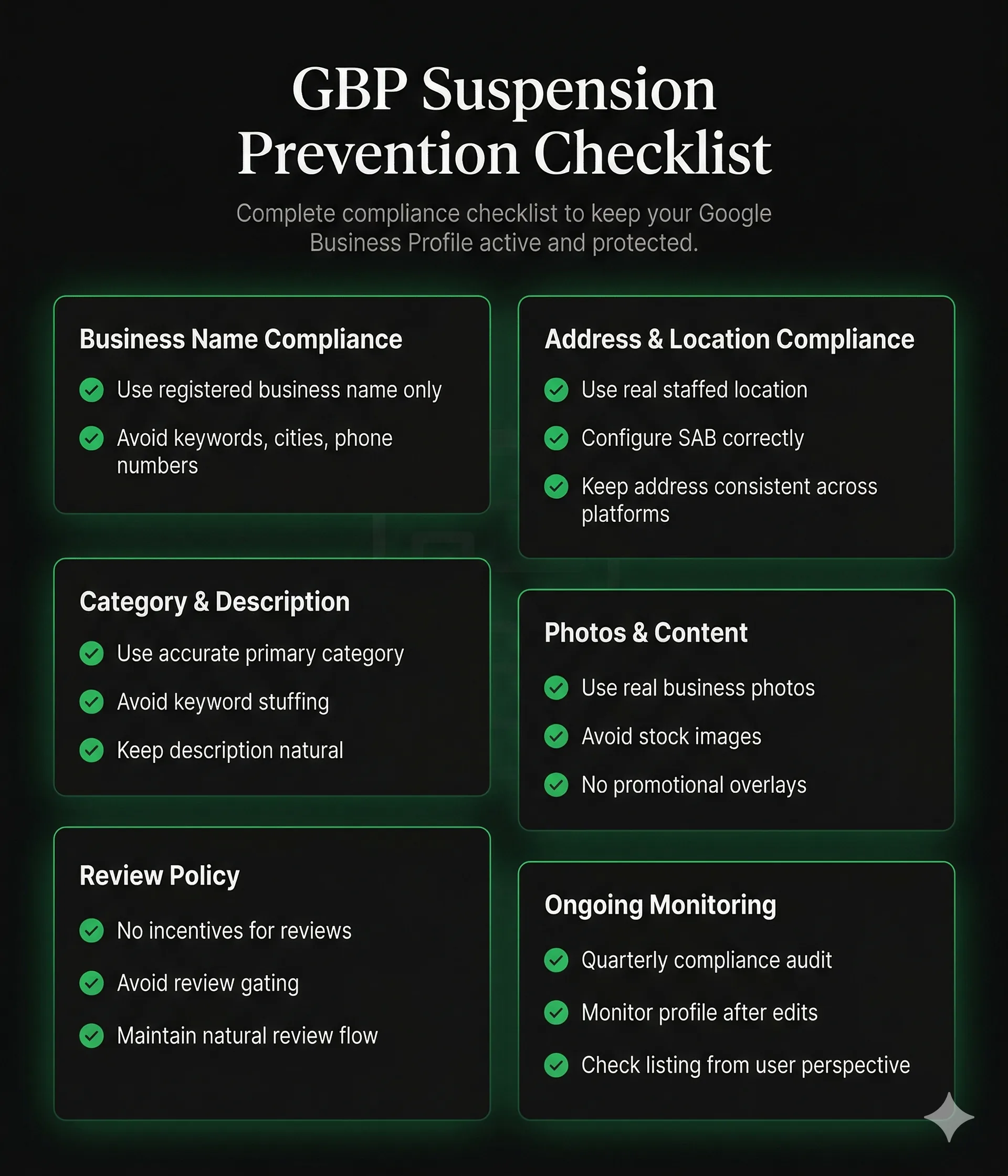
- Every quarter: Re-read Google's official Business Profile guidelines. They update periodically and something that was allowed a year ago may no longer be.
- Every quarter: Check your business name, address, phone, and website on GBP against your current registration documents. Businesses move, rename, and re-register. Keep them aligned.
- Every quarter: Audit your review count and velocity. Is growth organic? Are any reviews from accounts that look suspicious?
- Every quarter: Search your business on Google Maps and look at your listing from a customer's perspective. Does it accurately represent your business? Would anything on it look suspicious to Google's spam reviewers? If it is missing from the map pack, that is worth investigating before Google does.
- After any edit: When you make changes to your GBP (especially name, address, or category), monitor the profile closely for 72 hours. Edits can trigger automated reviews, and catching a review trigger early lets you respond quickly.
For a structured monthly audit process, see the GBP monthly compliance audit guide, the full profile audit, and the optimization checklist.
Frequently Asked Questions
Can I get suspended even if I follow all the rules?
How often does Google update its GBP guidelines?
I've been using the same GBP setup for years without issues. Does that mean I'm compliant?
My competitor is clearly violating Google's guidelines and hasn't been suspended. Should I report them?
Related Articles
New GBP recovery playbooks, straight to your inbox. No spam.
Suspended GBP? I've reinstated 600+ — 95% success.
I’ve recovered 600+ profiles across 60+ countries. Let me look at yours for free — most assessments take under 24 hours.

Google Business Profile Recovery Specialist
Independent Google Business Profile recovery consultant specializing in suspensions, soft suspensions, and reinstatement appeals. Since 2019, recovered 600+ GBP profiles across 60+ countries — from solo tradespeople to multi-location law firms and healthcare groups. Former Upwork Top Rated freelancer (200+ completed contracts, 5-star average) now consulting direct. Research informed by Sterling Sky (Joy Hawkins), Local Search Forum, and daily work inside Google's Business Profile Community. Every case study and recovery playbook on this site is drawn from real client work — no theory, no AI-generated filler.