How to Reinstate a Google Business Profile: The Complete 2026 Playbook
The full Google Business Profile reinstatement playbook from 600+ recovery cases — diagnose the suspension, prepare evidence, file the appeal, and what to do if Google denies it.
May 12, 2026
Arif Hussain Shaik
9 min read

TL;DR
GBP reinstatement is a five-step process: diagnose the suspension type, fix the underlying violation, gather Google's four accepted document categories (registration, license, tax certificate, utility bill — support.google.com/business/answer/4569145), write a 5-part appeal letter, and submit through the official reinstatement form. The evidence form may time out after inactivity, but Google does not publish a 60-minute deadline — prep files before opening it. Across 600+ cases I've handled since 2019, first-submission success runs around 73% when the violation is correctly identified and 5+ supporting documents are attached. The appeal flow has four steps with a 25-day cooldown — there's no fixed cap, but each step lands harder when the prior step is solid, so first-attempt quality matters.
Ask an AI about this post
Updated May 2026: Google's appeal flow has four steps with a 25-day cooldown — manage-appeals form, local-appeals form, an email reply with stronger evidence, then a resubmission via local-appeals. There's no fixed cap. The evidence-upload form may time out after a period of inactivity, but Google does not publish a 60-minute deadline (support.google.com/business/answer/4569145). First-attempt quality still decides almost every recovery because each step lands harder when the prior step is solid.
Your Google Business Profile is suspended. Maps stopped showing your listing. The phone went quiet. Revenue is bleeding by the hour. This is the complete reinstatement playbook I use with private clients — drawn from 600+ recovery cases across 60+ countries since 2019. It pairs with the 2026 appeal template, the documents checklist, and the expected reinstatement timeline.
If you only read one section, read Step 1. Most failed appeals fail at the diagnosis stage — owners file an appeal for the wrong violation, Google denies it, and they weaken the next step of the 4-step appeal flow by submitting a sloppy first attempt. Diagnose carefully before you write a single word.
What "Reinstatement" Actually Means
Reinstatement is the formal Google process of asking a human reviewer to restore a suspended Business Profile after you've corrected the underlying violation. It is not a button. It is not automatic. It is a structured appeal: identify the policy you broke, prove you fixed it, attach documentary evidence, and ask the reviewer to lift the suspension.
Reinstatement is different from verification. Verification is the process of proving your business exists at an address — the postcard, video, or phone call Google asks for when you create or claim a profile. Reinstatement is what happens after a verified profile is suspended. The two processes overlap (Google may ask for re-verification as part of a reinstatement), but they're not the same form and not the same team.
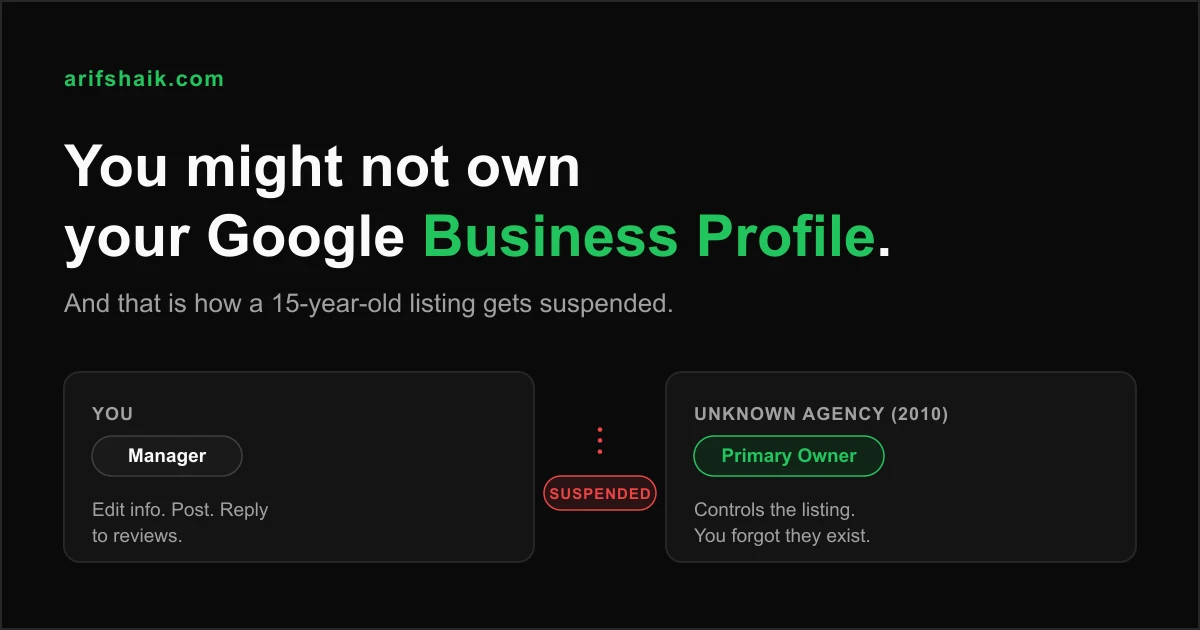
In my caseload, profiles get suspended for one of three reasons: a guideline violation Google's automated system flagged (most common), a competitor edit suggestion that triggered a review (more common than owners realize), or an account-level issue tied to another profile or Google service. The reinstatement path differs for each — see hard vs. soft suspension explained for the full taxonomy.
Step 1 — Diagnose the Suspension Type Before You Touch Anything
Open your Google Business Profile dashboard. What you see decides the entire recovery path:
- Profile completely removed from Maps + dashboard shows "Suspended": Hard suspension. Severe violation or repeated guideline breach. Recovery requires strong documentation and a careful appeal.
- Profile still visible in Maps but dashboard shows "Disabled" or limited: Soft suspension. Usually a content or category issue. Often the fastest to fix. See the dental clinic soft suspension case study for a real walkthrough.
- Every profile in your account is suspended at once: Account-level suspension. Google flagged the underlying Google account, not the individual profile. Recovery requires appealing the account and may require a different Google identity to manage profiles afterward.
- "Suspended" with no clear reason and no recent edits: Almost always a competitor "Suggest an edit" report or an algorithmic content review. See GBP suspended with no reason.
Match the visible state to a violation hypothesis. Common triggers I see weekly: keyword stuffing in the business name (fix here), virtual office or mailbox address (fix here), service-area business with a visible address (fix here), or deceptive content in description or photos (fix here).
Step 2 — Fix the Violation Before You File
Filing an appeal before fixing the underlying issue is the most common reason first appeals fail. Google's reviewers do not lift suspensions on promises — they lift them on evidence the profile is now compliant. Make the correction inside the dashboard (or, for hard suspensions where the dashboard is locked, document the correction you would make and include it in the appeal).
Examples of compliant fixes from my caseload:
- Keyword-stuffed name: Change "Joe's Plumbing & 24/7 Emergency Drain Cleaning Denver" to "Joe's Plumbing" — the actual registered DBA. Update signage photos to match.
- Virtual office address: Switch to a service-area business with no displayed address, or change to a real staffed location with signage. Coworking and mail-only addresses fail.
- Service-area business with address shown: Hide the address. Define service-area cities or zip codes. Reupload exterior photos only if the address represents a real staffed office.
- Wrong category: Switch from a regulated category (locksmith, drug rehab, financial services) to the correct one. Some categories require additional verification.
- Deceptive content: Remove promotional language, claims like "#1," competitor brand mentions, or pricing in business description.
Once corrected, take screenshots of the updated dashboard fields. These screenshots become evidence in your appeal.
Step 3 — Gather Google's Four Document Categories
Per Google's official guidance, reinstatement reviewers look at four document categories: business registration, business license, a tax certificate, and a utility bill in the business name at the claimed address (support.google.com/business/answer/4569145). Everything else — lease, signage photos, industry license, insurance certificate — is supplementary supporting evidence.
The single most common denial cause in my data is document inconsistency: registered name does not match license name, address on the utility bill is six months out of date, tax certificate uses an old DBA. Standardize before you submit. Full breakdown in the documents-needed checklist.
Practical preparation tips from 600+ submissions:
- Use PDF format for every file. Reviewers reject corrupted or unusual formats.
- Keep each file under 5 MB. The upload form silently truncates large files.
- Name files descriptively:
business-license-2026.pdf, notscan001.pdf. - Utility bills must be dated within the last 90 days. Older bills count as weak evidence.
- If your business address recently changed, include the previous-and-current bridge: old utility bill, change-of-address letter, new utility bill.
Step 4 — Write the 5-Part Appeal Letter
The appeal letter is where most owners shoot themselves in the foot. The template I've used to recover 600+ profiles is five short sections, total length under 500 words. Full version with copy-paste examples lives in the 2026 appeal template and letter examples; this section is the compressed version.
- Acknowledgment — "I understand my profile was suspended on [date] for what appears to be [policy area]." Lead with ownership, not protest.
- Violation identification — Name the specific guideline. "Google's business-name policy requires the profile name to match the real-world legal or DBA name."
- Explanation (not excuses) — One factual paragraph on context. No blame on employees, agencies, or competitors.
- Corrective action — Specific before/after. "Updated business name from X to Y. Removed Z from the description. Uploaded new exterior signage photos on [date]."
- Request with proof — Direct request for reinstatement and a list of the documents attached.
Tone is professional, factual, and short. No emotional language. No threats. No mention of Google "making a mistake." Reviewers process appeals in volume — a calm, structured letter that maps directly to the documents stands out.
Step 5 — Submit the Appeal With Files Prepped
Submit through the official reinstatement form linked from the suspension notice in your dashboard, or directly at the Business Redressal Complaint Form (support.google.com/business/contact/business_redressal_form). Google may then email you a separate evidence-upload link.
Prep before opening the form: the evidence-upload form may time out after a period of inactivity, but Google does not publish a 60-minute deadline. Have every PDF prepared and named before you click the link, then submit in one focused sitting. Do not open the form to "see what it asks for" — work from prepared files.
Do not create a duplicate profile while your appeal is under review. Per Google's official guidance, creating a duplicate while reinstatement is pending can get both the original and duplicate suspended, and you lose your review history on the original.
What Happens After You Submit
Google's stated review window is "up to 5 business days." In practice, queues have stretched well beyond that in 2025–2026. Mike Blumenthal of Near Media, quoted in Search Engine Journal in March 2025, reported industry appeal windows of nearly 5 weeks in some queues. My caseload over the same period averaged 12–18 business days for first-decision turnaround. Full timeline analysis in how long GBP reinstatement takes.
While you wait, do nothing to the profile. Do not edit fields. Do not add photos. Do not respond to "Suggest an edit" notifications. Every change resets the reviewer's queue and can extend the timeline. Pause review-request automation if you run any — reviews left during a suspension can be removed (full explanation).
If Google Denies the Appeal
A denial is not the end. Google's appeal flow has four steps: manage-appeals form, local-appeals form, an email reply with stronger evidence, then a 25-day cooldown before resubmitting via local-appeals. There's no fixed cap, but each step lands harder when the prior step is solid — every submission must be materially stronger than the last.
My rebuild path for second appeals:
- Re-diagnose. The first violation hypothesis was likely wrong. Re-audit the profile from scratch against Google's current guidelines.
- Add stronger evidence. If the first appeal used 3 documents, the second uses 6–8. If the first lacked signage photos, the second includes them.
- Rewrite the letter completely. Same template, different specifics — addressing the new violation hypothesis directly.
- Wait 7+ days between first denial and second submission. Same-day resubmission is auto-flagged as duplicate.
Detailed second-appeal strategy: Google appeal denied — next steps.
Common Mistakes That Sink Appeals
- Filing before the fix. Reviewers verify the current state of the profile. Unfixed = denied.
- Vague violation language. "I don't know why this happened" is a confession of non-readiness.
- Generic templates copied from forums. Reviewers see the same five paragraphs dozens of times per week. Be specific to your business.
- Opening the evidence form before files are prepped. The form may time out after a period of inactivity (Google does not publish a specific deadline) and files prepared after opening rarely upload cleanly in one sitting.
- Document name mismatch. Profile says "Joe's Plumbing LLC," utility bill says "Joseph Smith." Reviewers reject the appeal as unverifiable.
- Creating a duplicate profile to "test." Costs you the original review history and may suspend both profiles.
- Editing the profile mid-review. Resets the queue and signals instability.
Industry-Specific Recovery Paths
Some industries have unique reinstatement patterns because their normal business operations look superficially like guideline violations. If you're in one of these verticals, start with the industry-specific playbook before the general one:
- Dental practices — shared office addresses and individual practitioner profiles trigger algorithms.
- Law firms — attorney profiles vs. firm profiles, virtual office addresses, review solicitation rules.
- Plumbers and trades — service-area configuration and lead-farm pattern matching.
- Restaurants and food businesses — health permits, competitor-triggered reports.
- Real estate agents — brokerage-shared addresses and individual practitioner identity.
Prevention After Reinstatement
Reinstated profiles get re-suspended at a rate roughly 3× higher than profiles that have never been suspended. The fix is a monthly compliance audit: business name, address, category, description, photos, and review hygiene. The full audit checklist is in How to prevent GBP suspension and the monthly cadence in monthly compliance audit.
Frequently Asked Questions
How long does GBP reinstatement take?
Can I file a third appeal if my first two are denied?
Will I lose my reviews after reinstatement?
Should I hire someone to handle reinstatement?
Can I edit my profile while the appeal is under review?
What's the difference between reinstatement and re-verification?
Related Articles
Get notified when I publish new recovery guides
Struggling with a suspended GBP profile?
I’ve recovered 600+ profiles across 60+ countries. Let me look at yours for free — most assessments take under 24 hours.

Google Business Profile Recovery Specialist
Independent Google Business Profile recovery consultant specializing in suspensions, soft suspensions, and reinstatement appeals. Since 2019, recovered 600+ GBP profiles across 60+ countries — from solo tradespeople to multi-location law firms and healthcare groups. Former Upwork Top Rated freelancer (200+ completed contracts, 5-star average) now consulting direct. Research informed by Sterling Sky (Joy Hawkins), Local Search Forum, and daily work inside Google's Business Profile Community. Every case study and recovery playbook on this site is drawn from real client work — no theory, no AI-generated filler.