Dentist Google Business Profile Suspended: Recovery Guide
Dental practice GBP suspended? Learn the exact violations that trigger suspensions for dentists, what documents Google requires, and how to get reinstated fast.
Mar 10, 2026 · Updated Apr 12, 2026

Arif Hussain Shaik
7 min read
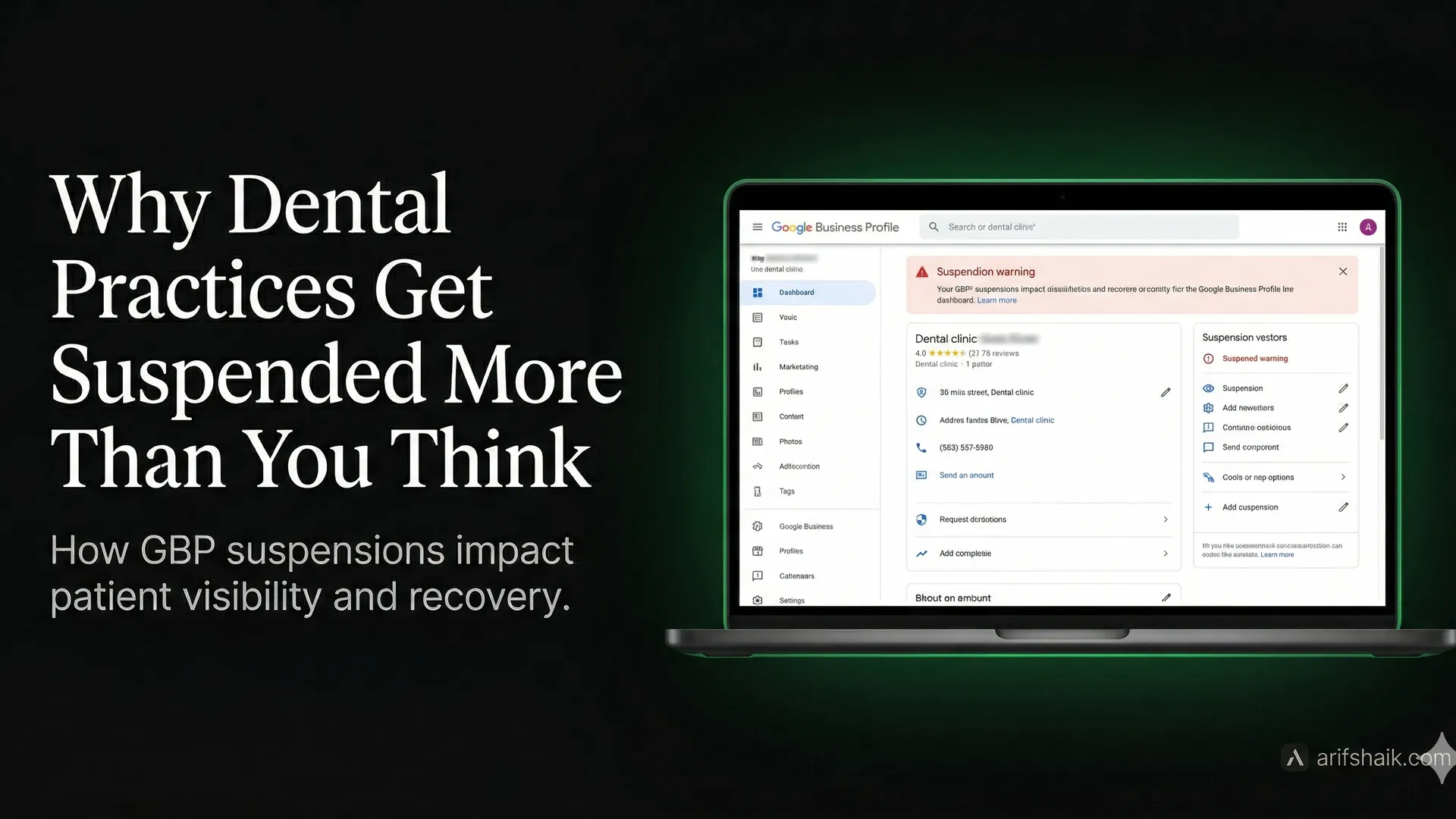
Updated April 2026: Dental practice suspensions spiked in Q1 2026 as Google tightened healthcare category enforcement. Practices with multi-dentist listings or category mismatches are the top casualties.
Why Dental Practices Get Suspended More Than You Think
Dental practice GBP suspension typically results from business name violations, duplicate multi-dentist listings at one address, or specialty category mismatches — violations specific to healthcare and rarely explained in the suspension notice. Dental practices account for approximately 12% of all GBP suspension cases I handle. This guide covers the exact causes, required documentation, and reinstatement process for dentists.
In my five years recovering suspended Google Business Profiles, dental practices represent one of the most common cases I handle. About one in every eight GBP suspensions I work on belongs to a dentist or dental clinic. The frustrating part? Most dentists did nothing obviously wrong. The violations are subtle, industry-specific, and almost never explained in the suspension notice.
If your dental practice GBP is suspended, you are likely losing 50-70% of your new patient inquiries right now. Most people searching for a dentist check Google first. No profile means no calls, no direction requests, and no visibility against competitors. This guide gives you the exact recovery path I use with dental clients.
Key Stats: Dental Practice GBP Suspensions
- ~12% of all GBP suspension cases I handle belong to dental practices or clinics — one of the highest rates of any healthcare specialty.
- 35% of dental suspensions are caused by multiple-dentist duplicate listings at a single address — when each practitioner creates their own GBP, Google flags them as spam.
- $8,000–$15,000 per week in estimated lost new patient inquiries for a suspended dental practice — based on average dental consultation values and typical new patient call volume from Google search.
Why Dentist GBPs Get Suspended: Industry-Specific Triggers
Dental practices face a unique set of suspension triggers that other industries rarely encounter. Here are the specific patterns I see most often:
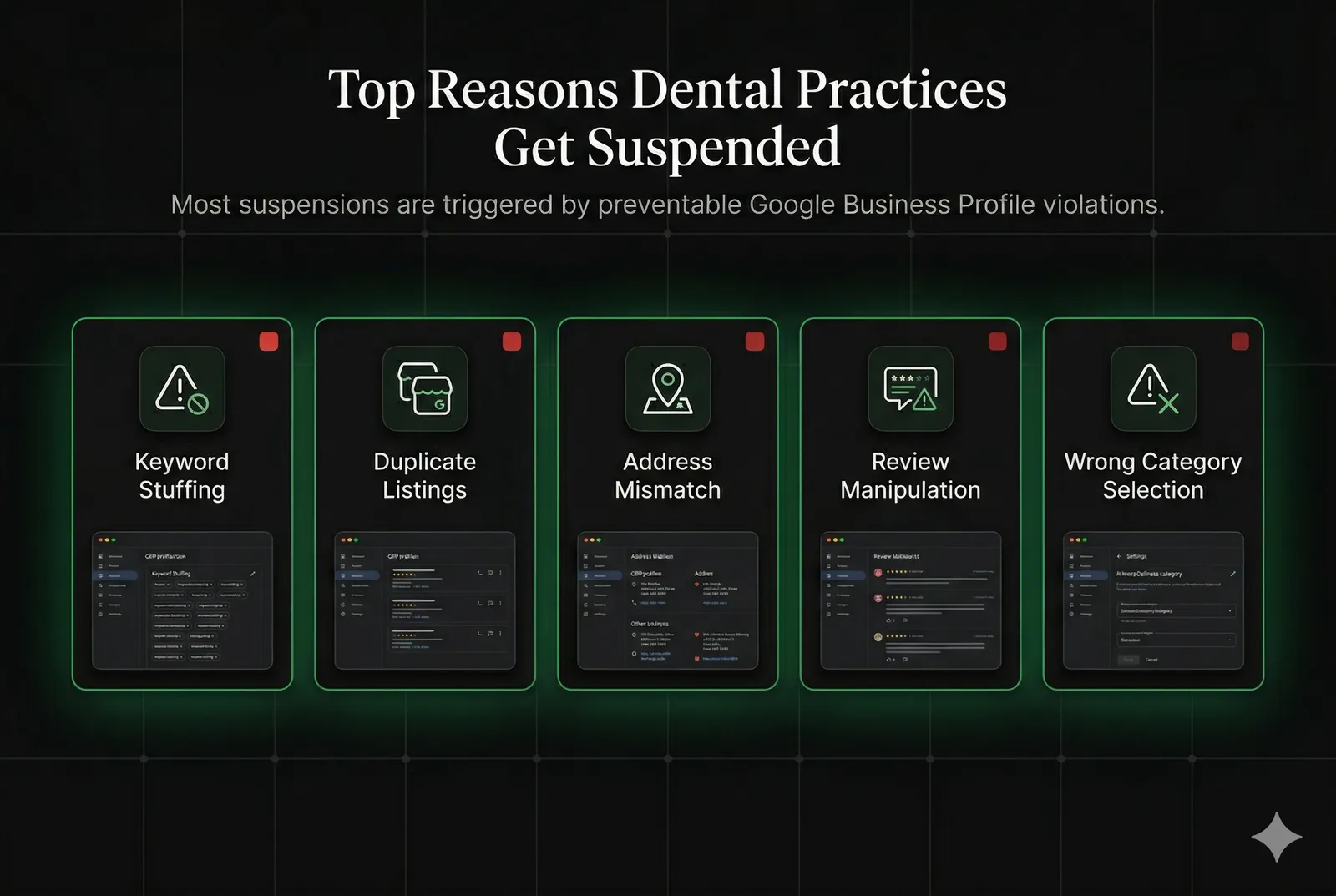
- Keyword stuffing in the business name: Listing as "Dr. Smith Emergency Dental Implants Cosmetic Dentist" instead of your registered name "Smith Family Dentistry." Google treats service descriptors in the name field as deceptive content.
- Specialty claims without verification: Adding "Orthodontist" or "Oral Surgeon" to a general dentistry profile. Google cross-references your category with your website and state dental board records.
- Multiple practitioners at one address: When a dental group has several dentists each creating individual GBP listings at the same address, Google may flag them as duplicates or spam.
- Virtual or shared office addresses: Some practices use a management company address or a billing service address on their GBP. Google requires the physical location where patients are seen.
- Review manipulation flags: Dental practices often ask patients to leave reviews while still in the chair. If Google detects patterns suggesting solicitation (reviews all posted within minutes of each other, all from the same device), it may suspend the profile.
- Sudden category changes: Switching your primary category from "Dentist" to "Cosmetic Dentist" or "Dental implants" triggers an automated review in Google's fraud detection system.
- Unverified ownership transfer: Buying an existing dental practice and updating the GBP ownership without proper verification documentation almost always triggers a suspension.
Common Violations in the Dental Industry
The most common violation I see in dental practice suspensions is the name mismatch. Your GBP business name must match your registered legal business name or the name on your office signage. Not your preferred marketing name. Not the name you use on business cards. The legal name.
Here are the specific violations and the fix for each:
- Name violation: "Chicago Emergency Dental & Implant Center" → Fix: revert to registered name like "Lakeview Dental Associates LLC"
- Category mismatch: Listed as "Orthodontist" but licensed as a general dentist → Fix: change primary category to "Dentist" and add Orthodontics as a service, not a category
- Hours fraud: Listing "Open 24/7" or "Emergency services available" when the practice only sees emergency patients by appointment → Fix: set accurate hours and move emergency availability to your description
- Duplicate listing: An old profile exists from a previous owner or a prior location → Fix: request ownership of the old listing or report it as a duplicate through Google Maps
- Photo violations: Using stock photos of a dental office that isn't yours → Fix: photograph your actual reception, treatment rooms, and exterior
Required Documentation for Dental Practice Reinstatement
Google requires more documentation from healthcare providers than from most other industries. When I prepare a reinstatement appeal for a dental client, I always include the following:
- State dental license: Current, valid license showing your name and the practice address. This is the single most important document for dental appeals.
- Business registration: Certificate of formation, DBA registration, or professional corporation filing showing your legal business name.
- Proof of address: A utility bill, commercial lease agreement, or property tax record showing your practice location. Must match your GBP address exactly — unit number, street abbreviation, everything.
- Photos of your physical location: At least 3 photos: your exterior with visible signage, your reception area, and one treatment room. These prove you operate from the listed address.
- Practice website URL: Your website should display your legal business name, address, and phone number matching your GBP exactly (Name, Address, Phone = NAP consistency).
- DEA registration (if applicable): If your practice prescribes controlled substances, including your DEA registration strengthens your legitimacy claim significantly.
If the suspension followed an ownership transfer, you additionally need: the bill of sale or practice acquisition agreement, a letter from the previous owner consenting to the transfer, and a new verification of the location.
Step-by-Step Recovery Process for Dental Practices
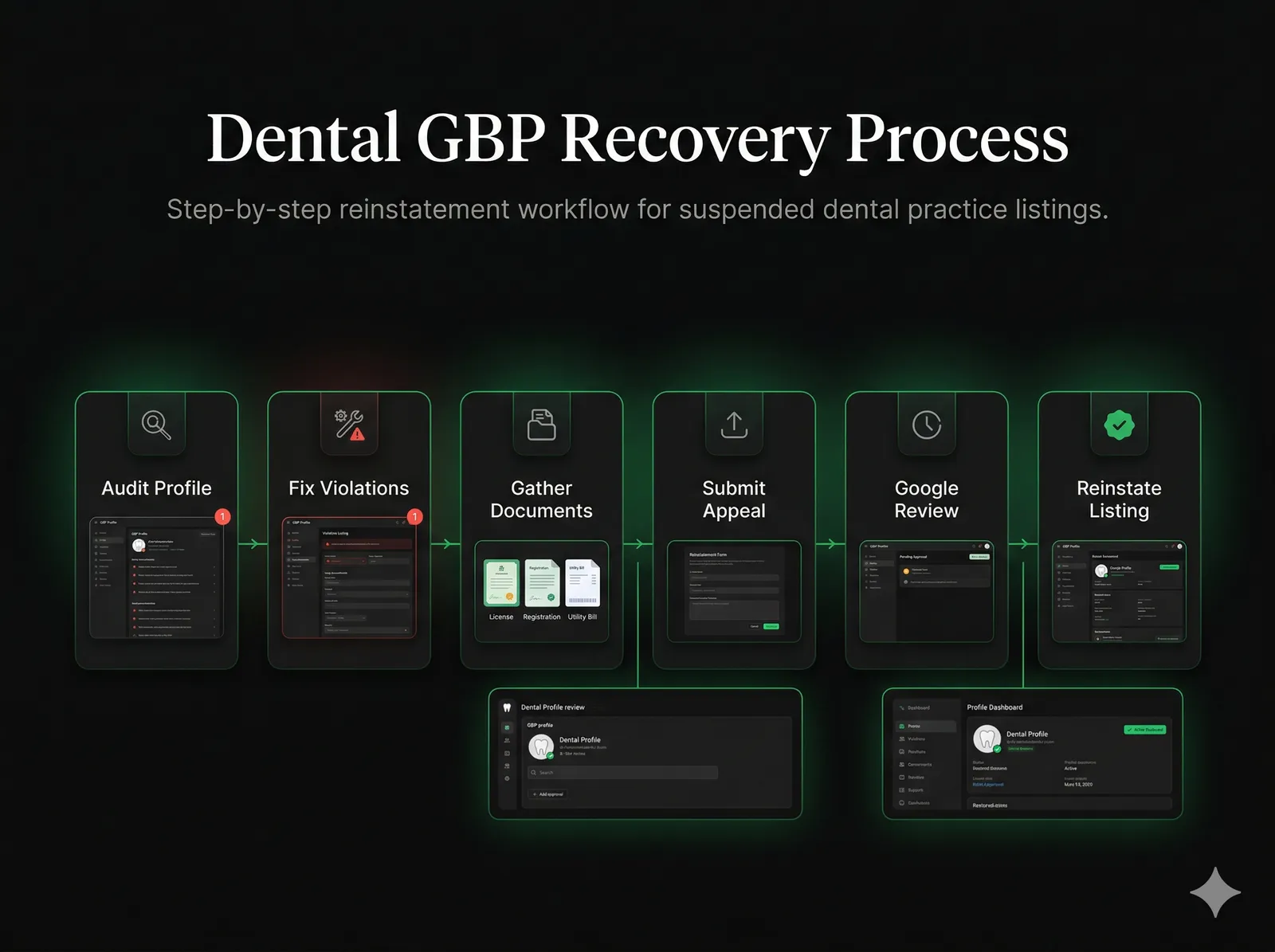
Step 1: Audit Your Profile for Violations
Before you appeal, identify exactly what triggered the suspension. Compare your GBP business name against your state dental board registration. Check your categories against your actual dental license scope. Review your photos for stock images. Compare your GBP address, down to the suite number, against your lease or utility bill.
Step 2: Fix Every Violation You Find
If you still have access to your profile, correct all violations before submitting your appeal. Change the business name to your legal name. Remove incorrect categories. Replace stock photos with real photos. Update your hours to reflect actual availability. Google can see your edit history — appealing without fixing the problem first signals you don't understand why you were suspended.
Step 3: Compile Your Documentation Package
Gather all six documents listed above. Organize them into a single PDF if possible. Name the files clearly: "dental-license.pdf", "business-registration.pdf", "utility-bill.pdf". Reviewers handle hundreds of cases — clean, labeled documentation speeds up your approval.
Step 4: Write a Professional Appeal
Your appeal should: (1) briefly acknowledge the violation you found, (2) explain what you've corrected and when, (3) state that your practice is legitimate and actively seeing patients, and (4) list the documents attached. Keep it under 200 words. Reference our GBP appeal template for the exact structure I use with clients.
Step 5: Submit Through the Official Channel
Use the Google Business Profile reinstatement request form, not the general support chat. Attach your documents. Submit once. Do not submit multiple appeals — it triggers a longer review queue. Expect 5-10 business days for dental cases. Complex cases with multiple violations or ownership disputes can take 3-4 weeks.
Step 6: Respond Promptly if Google Asks for More Information
Sometimes Google's reviewer will request additional documentation. Check the email associated with your Google Business account daily during the review period. A delayed response extends your suspension significantly. I've seen practices lose an extra two weeks simply because they missed a follow-up email over a weekend.
Prevention Checklist for Dental Practices
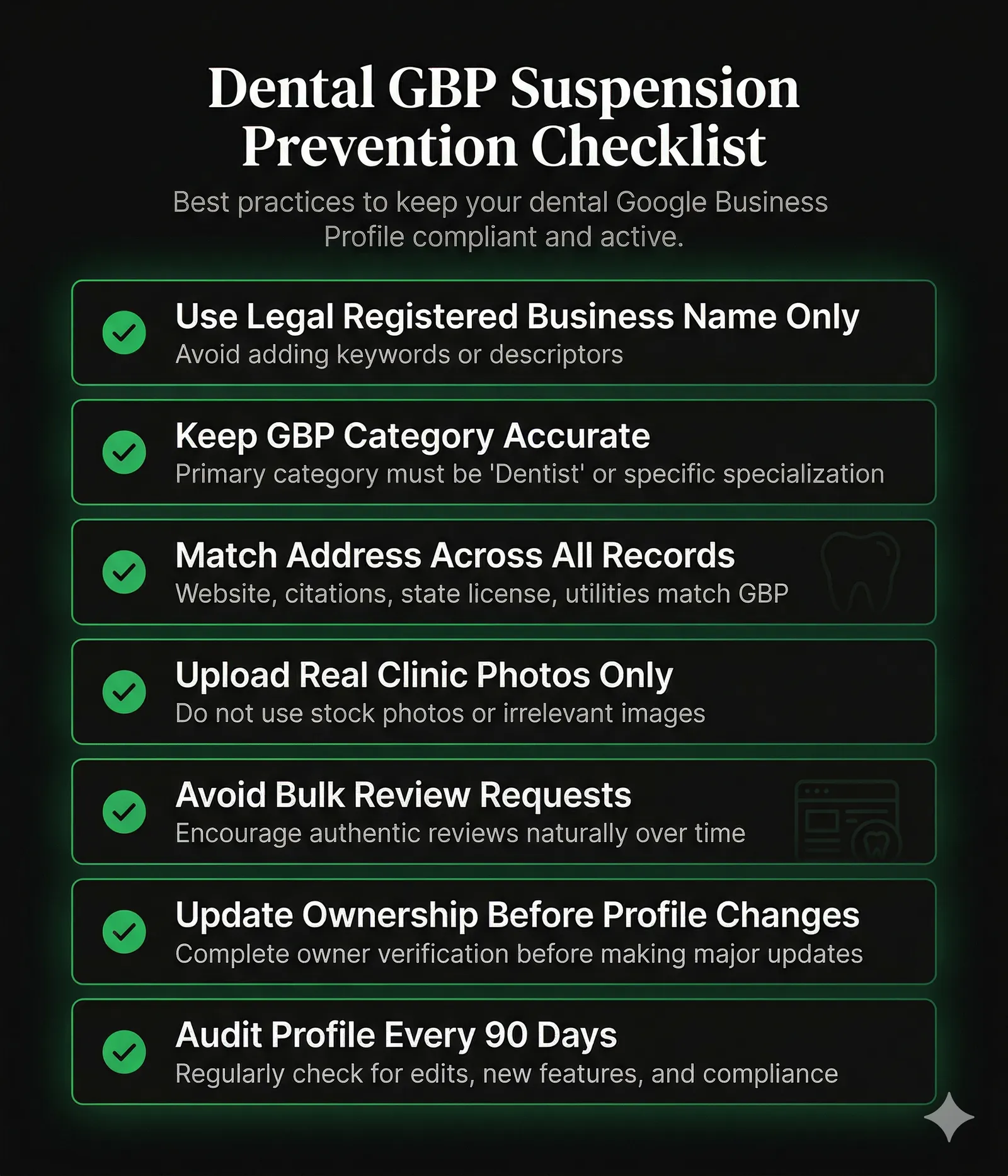
- Use only your registered legal business name — no specialty keywords, no "emergency" descriptors, no location names
- Set your primary GBP category to "Dentist" and add specialties as services, not additional categories
- Ensure your GBP address, website address, and dental license address all match exactly
- Use only real photos taken at your practice — no stock images
- Do not ask multiple patients to review at the same time or from your office device
- If acquiring a practice, update GBP ownership before making any profile edits
- Audit your profile every 90 days against Google's guidelines
Frequently Asked Questions
How long does it take to reinstate a suspended dental practice GBP?
Will my Google reviews be lost when my dental GBP is reinstated?
Can I have separate GBP listings for each dentist in my practice?
My dental practice was sold. How do I update the GBP without getting suspended?
Google says my dental practice address is unverifiable. What does that mean?
Related Articles
Get notified when I publish new recovery guides
Struggling with a suspended GBP profile?
I’ve recovered 500+ profiles across 60+ countries. Let me look at yours for free — most assessments take under 24 hours.

Google Business Profile Recovery Specialist
5+ years recovering suspended GBP profiles. 500+ successful reinstatements across 60+ countries. Former Upwork Top Rated freelancer, now consulting directly.